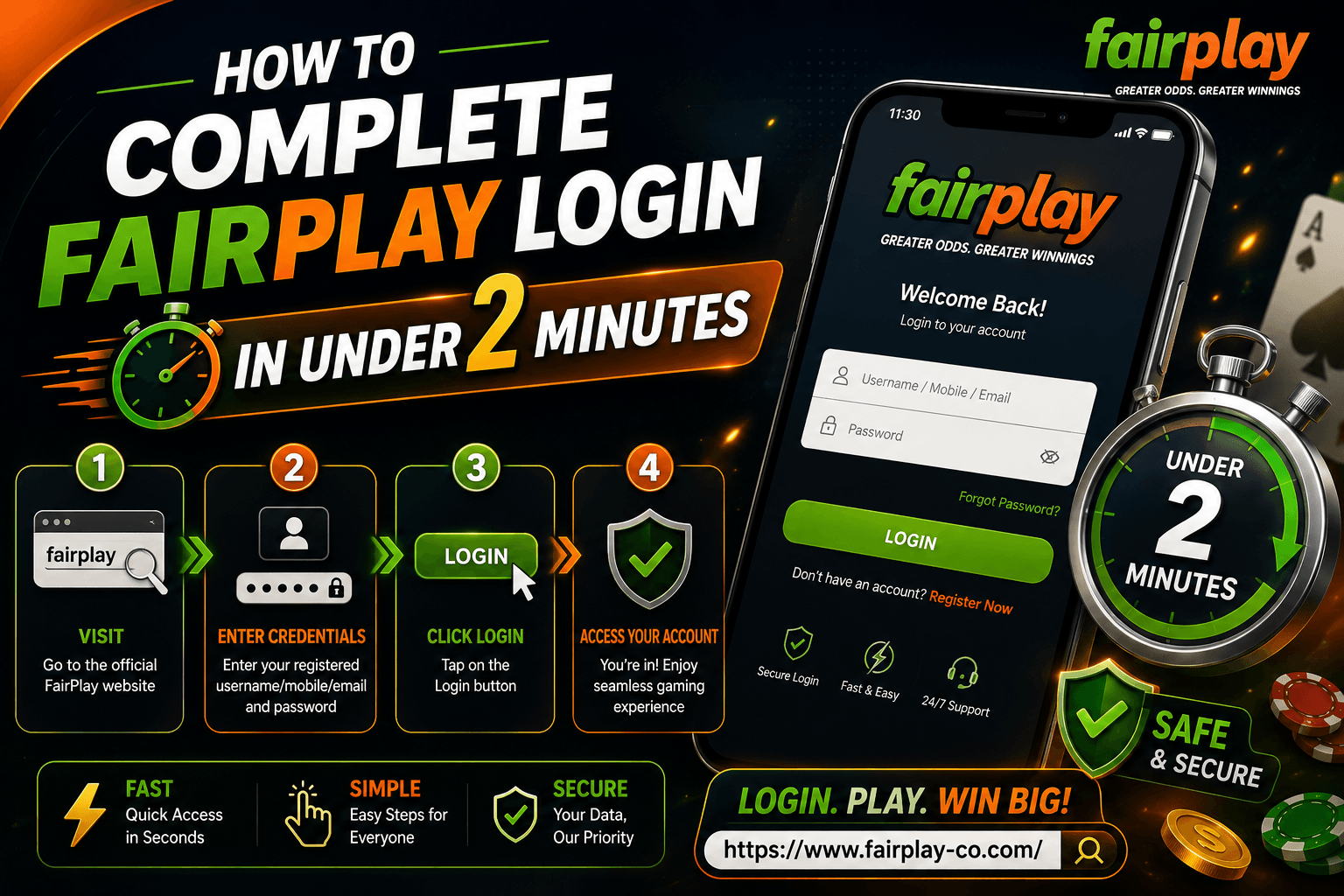
Getting into your FairPlay account login should take less time than it takes to find the channel for the match you want to bet on. And it does. The FairPlay sign in process on any browser takes under 60 seconds when your credentials are ready. This guide covers the full FairPlay login process on mobile and desktop, what your FairPlay login ID is and where to find it, and a few things to set up once so every future login is even faster.
What Is Your FairPlay Login ID
Your FairPlay login ID is the mobile number or email address you used when you first registered on the platform. FairPlay does not assign a separate username. Whatever you signed up with, your Indian mobile number or your email, that is what you use to log in every time. If you are not sure which one you registered with, try your mobile number first. Most Indian players sign up with a phone number since it also links directly to OTP delivery for verification. If the mobile number does not work, try the email. If you genuinely cannot remember either, contact FairPlay support on WhatsApp with any account details you have and they will help you recover access. [How to recover your FairPlay login ID and password]
FairPlay Login on Mobile: Step by Step
Here is the full FairPlay sign in process on a phone:
- Open any browser on your phone. Chrome, Firefox, or Samsung Internet all work. Go to fairplay-co.com.
- Tap the Login button at the top right of the homepage.
- Enter your registered mobile number or email in the first field.
- Type your password in the second field. Make sure Caps Lock is off since passwords are case sensitive.
- Tap Login. If your details are correct, you are inside your account in seconds.
- If FairPlay sends an OTP to verify your session, enter it when prompted and your FairPlay account login completes.
The whole process takes under 60 seconds. No app needed, no download, just open the browser and go. The platform runs fully on Android and iOS browsers without anything extra installed.
FairPlay Login on Desktop
The FairPlay sign in process on a desktop or laptop is the same. Open fairplay-co.com in any browser, click Login at the top right, enter your FairPlay login ID and password, and click the Login button. The platform loads fully on desktop and gives you access to the exchange, live casino, crash games, and all other sections from the same screen. If you use a personal laptop and the same browser each time, your session usually stays active between visits. This means you land inside your FairPlay account login directly without typing anything. Clearing browser data or switching browsers will log you out and require fresh credentials on the next visit.
What Slows Down the Login and How to Avoid It
Most delays in the FairPlay login process come from a handful of things that are easy to fix once you know what they are.
Wrong password: Passwords are case sensitive. One wrong capital letter blocks the login. Clear the field and retype rather than editing in place.
Old autofill credentials: If you have changed your password at some point, your browser might still be auto-filling the old one. Clear saved credentials for fairplay-co.com in your browser settings.
Slow page load: If the login page is slow to load, try switching from WiFi to mobile data or vice versa. Clearing the browser cache also helps if pages have been loading slowly for a while.
OTP delay: If FairPlay sends an OTP as part of session verification, wait two to three minutes before assuming it has not arrived. Check spam if you are using email OTP.
Setting Up for the Fastest Future Logins
A few things done once make every future FairPlay sign in faster. Save your FairPlay login ID and password in a password manager on your phone. This means one tap to fill in credentials rather than typing them out every time. Bookmark fairplay-co.com on your phone browser so one tap takes you straight to the homepage. Combined with a saved password, you go from browser open to inside your FairPlay account login in about 15 to 20 seconds on a return visit. Also make sure the mobile number linked to your account is current. OTP verification is part of some login sessions and part of the password reset process. If your number is outdated on the platform, you lose access to both.
First Time Logging In After Registration
If you just registered on FairPlay, your first FairPlay sign in happens automatically right after you verify your mobile number during sign-up. You land inside the platform without going through the login screen separately. From the next visit onwards, use the Login button and enter the credentials you set during registration. After your first login, the 300% welcome bonus up to ₹50,000 is credited automatically once your first deposit of at least ₹500 goes through. Complete your KYC early after registration so there is no delay when you want to cash out. [FairPlay login bonus: what new users should know]
What You Can Access Right After FairPlay Login
Once the FairPlay account login is complete, everything on the platform is available from the same screen. The sports exchange has IPL 2026 with 170 plus markets per match, live ball by ball betting, and odds that update every 2 to 3 seconds during play. The live casino streams real dealers around the clock. Teen Patti in 20 plus variants with Hindi-speaking dealers, Andar Bahar, Dragon Tiger, Roulette, and more. Aviator, Lucky Jet, Mines, and Plinko run in the crash games section. Over 3,000 casino and slot games from Evolution, Pragmatic Play, and Ezugi are all there too. One wallet covers everything. No internal transfers, no switching sections. Everything under one FairPlay login. [Top live casino games to try on FairPlay in 2026]
Logging Out and Account Security
On a personal phone or laptop, staying logged in between visits is fine. The FairPlay sign in session stays active in the same browser until you manually log out or clear browser data. On a shared or public device, always log out after each session. Tap the account icon and select Logout before closing the browser. Keep your password unique to FairPlay and change it if you ever think someone else might know it. If you notice any account activity you did not do yourself, contact FairPlay support on WhatsApp straight away and reset your password.
Final Thoughts on Fast FairPlay Login
The FairPlay login genuinely takes under two minutes, usually well under one. Open fairplay-co.com, tap Login, put in your FairPlay login ID and password, and you are in. Set up a saved password and a bookmark and it gets even faster on return visits. The platform does not require an app, works on any phone browser, and keeps your session active so most visits do not need a login at all. If something goes wrong, the fix is almost always a password reset or a quick message to support. [FairPlay login issues: here is how to fix them quickly]