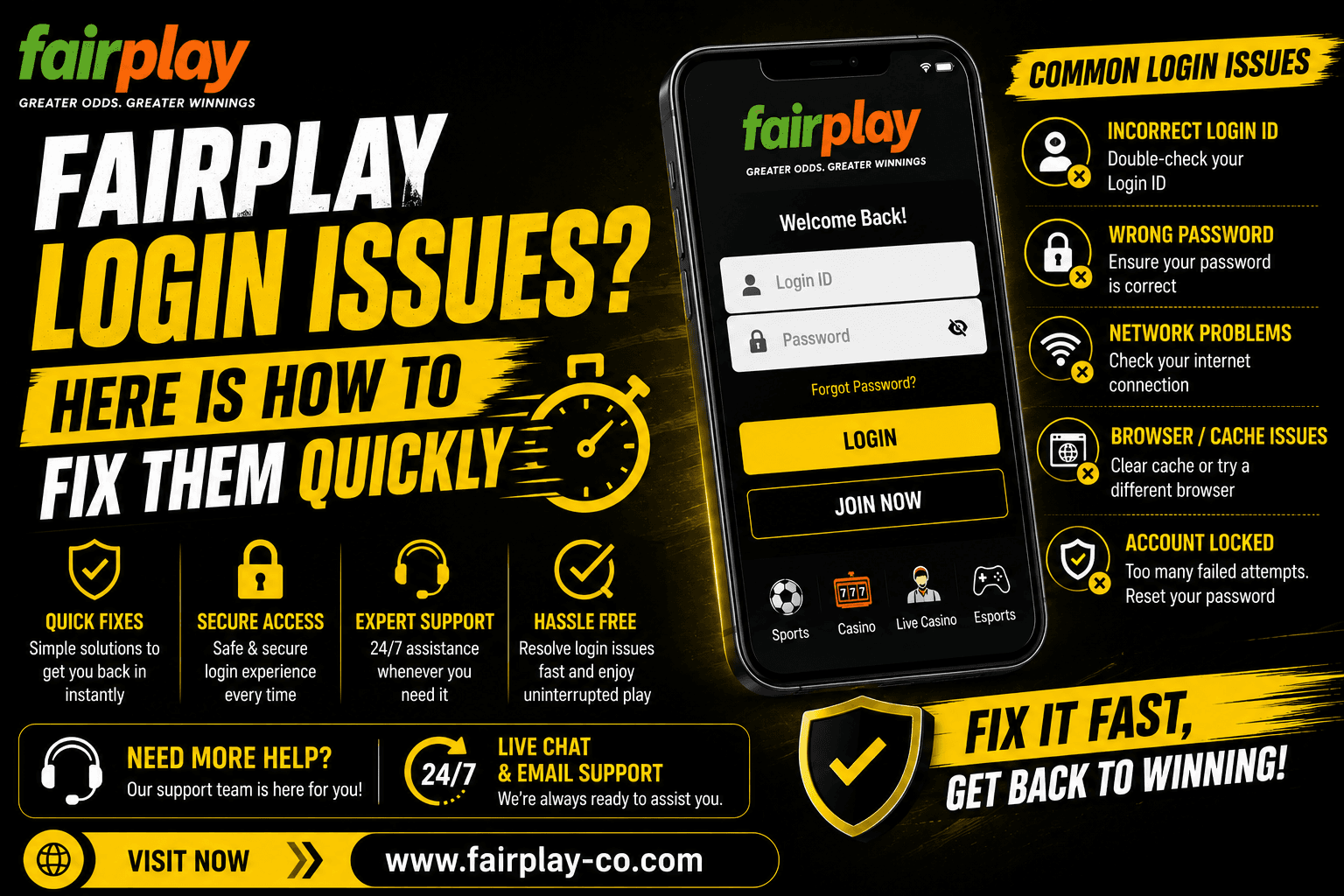
You want to place a bet, the match is about to start, and your FairPlay login is not going through. That is one of the more frustrating things that can happen on a betting platform. The good news is that most login problems on FairPlay have a straightforward fix and take only a few minutes to sort out. This guide covers every common FairPlay login problem, what causes it, and the fastest way to get back into your account. Whether your password is not working, the page is not loading, or you are stuck waiting on an OTP, the answer is in here.
Wrong Password or Login ID
This is behind most FairPlay login not working complaints. A wrong password or a mistyped login ID blocks access every time, and it is easy to miss the cause if you are in a hurry.
Passwords on FairPlay are case sensitive. One capital letter in the wrong place and the login fails. Check that Caps Lock is off before trying again. Also, check that you are using the right login ID. Some players have multiple email addresses or old phone numbers saved in their browser autofill, and the wrong one gets filled in automatically. Clear the autofill, type your credentials fresh, and try again. If you registered with a mobile number, use the number. If you registered with an email, use the email. Mixing them up is a common cause of failed logins that looks like something bigger than it is.
Forgot Your Password? Here Is How to Reset It
If you genuinely cannot remember your password, the FairPlay password reset process is quick. Here is how to do it:
- Go to fairplay-co.com and tap or click the Login button.
- Below the password field, select Forgot Password.
- Enter the mobile number or email you used when you registered on FairPlay.
- An OTP will be sent to your phone or email. Enter it on the next screen.
- Once verified, set a new password. Choose something you will remember, but make it strong.
- Log in straight away using the new password.
The OTP for FairPlay password reset expires quickly, so complete the process as soon as it arrives. If it expires, just go back to Forgot Password and request a new one. The whole reset takes about three to five minutes from start to finish.
OTP Not Arriving
The first thing to do if you are not receiving the OTP to log in or reset your FairPlay password is to wait. In India, some networks can take two to three minutes to deliver an SMS, especially during high-traffic hours. Do not ask for the new OTP every few seconds, as it can cause delays.
After a few minutes, if nothing has arrived, check that the number or email you entered matches exactly what you used at registration. One wrong digit in the phone number means the OTP is going somewhere else entirely. If you chose email OTP, check your spam folder. Still nothing after all that? Get in touch with FairPlay support on WhatsApp, and the team can verify your identity and push through the account access manually. This is the fastest route when the automated OTP system is not cooperating. [How to recover your FairPlay login ID and password]
Account Temporarily Locked
FairPlay locks accounts temporarily after several consecutive wrong password attempts. This is a security measure to stop unauthorised access attempts. If you hit the limit, the account goes into a short cooldown period before you can try again.
Your account is locked. You can’t continue guessing the same password. If you try to guess the old password again, wait for the cooldown to expire ( usually 15 to 30 minutes ), and then use the FairPlay password reset option to set a new password. Need urgent access before the Cooldown ends? Contact FairPlay support directly on WhatsApp. Once they confirm your identity, the team can unlock the account. [How to complete FairPlay login in less than 2 minutes]
Login Page Not Loading on Mobile
If fairplay-co.com is not loading on your phone browser, it is almost always a browser or network issue rather than a problem with your account. The FairPlay login not working on a loading level is easier to fix than it seems.
Clear your browser cache first. In Chrome, go to Settings, Privacy, Clear Browsing Data. Select Clear cached images and files and clear it. Then refresh the page. If it still doesn’t open, try switching networks. Switch from WiFi to mobile data and vice versa. Sometimes the network is temporarily blocked or we have a routing problem that prevents some sites from loading. And it might be worth trying a different browser as well. If Chrome isn't working, try Firefox or Samsung Internet. Usually, one of them will load the page without any problem.
Login Slow or Timing Out During IPL
During IPL match days, tens of thousands of Indian players are trying to get into their accounts around the same time. This puts a higher load on the platform and login can occasionally be slower than usual or time out on the first attempt.
If your FairPlay login is timing out during a live match, wait 30 seconds and try again rather than refreshing repeatedly. Refreshing multiple times during a timeout can make things slower. If you are on WiFi at home during a match, switching to mobile data sometimes gives a faster connection because home WiFi can be congested with other devices. If you are already logged in but the platform is slow to load specific sections, that is a server load issue that usually clears in a few minutes on its own.
Logged Out Automatically
FairPlay logs you out automatically after a period of inactivity or when your browser session expires. This is normal and is a security feature, not a FairPlay login problem. It happens most often if you left the platform open for a long time without any activity.
If this is happening more frequently than expected, check that you are not clearing browser cookies or using a private or incognito window. Private browsing does not save session data, which means you will need to log in from scratch every single time you open the browser. Use a regular browser window for your FairPlay sessions, and the login will stay active between visits on the same device.
When to Contact FairPlay Support
If you have gone through all the steps above and the FairPlay login not working issue is still there, the support team is the right next step. FairPlay support is available 24/7 through live chat on fairplay-co.com and on WhatsApp. During normal hours, responses come in under two minutes.
When you contact support for a login issue, have your registered mobile number ready along with any recent deposit or transaction details. This helps the team verify you quickly without going back and forth. Once verified, they can unlock your account, resend OTPs, or manually reset your password depending on what the issue is. Support is available in both Hindi and English so use whichever you are more comfortable with. [FairPlay login via mobile — step by step tutorial]
Quick Tips to Avoid Login Problems in the Future
A few simple habits keep FairPlay login problems from coming up again after you get back in. Save your login ID and password somewhere secure so you are not relying on memory or browser autofill. Keep your registered mobile number updated on the platform. If you change your number and do not update it on FairPlay, you lose access to OTP delivery, which blocks both login verification and FairPlay password reset. Log out after each session if you use a shared phone. And if you ever feel your account may have been accessed by someone else, contact FairPlay support immediately and change your password straight away.
Final Thoughts on Fixing FairPlay Login Issues
Almost every FairPlay login problem has a fix that takes under five minutes. Wrong password, use FairPlay password reset. OTP not arriving, check the number and contact support if needed. Page not loading, clear cache or switch networks. Account locked, wait for cooldown or call support. The pattern is the same across all of them: try the self-service option first and if it does not work, WhatsApp support gets it sorted fast. Losing access right before a match is frustrating but it does not have to last long.